
THE GAP
SDR shows about 5 stops
BBC R&D puts conventional 8-bit TV at a displayed range of about 32:1, or 5 stops. In a single scene the eye can see about 10,000:1.
Compare the range hdproreview

WHAT THE STANDARDS SAY
HDR is not about more pixels.
4K and 8K add detail. High dynamic range adds something else: a bigger gap between the darkest and brightest parts of the picture, so sunlight glows and shadows keep their detail. The international standard defines two ways to do it.
HDR range, not resolution
Compare the rangeTHE SHORT ANSWER
Dynamic range is the ratio of brightest white to blackest black
that a display can show without artefacts such as banding.
THE GAP
BBC R&D puts conventional 8-bit TV at a displayed range of about 32:1, or 5 stops. In a single scene the eye can see about 10,000:1.
Compare the rangePQ
PQ is a display-referred signal: each code value means a set brightness in nits, up to 10,000 cd/m². It is graded for a particular display.
PQ vs HLGHLG
BBC R&D and NHK invented Hybrid Log-Gamma as a scene-referred signal that needs no metadata and works with existing 10-bit broadcast kit.
See the numbers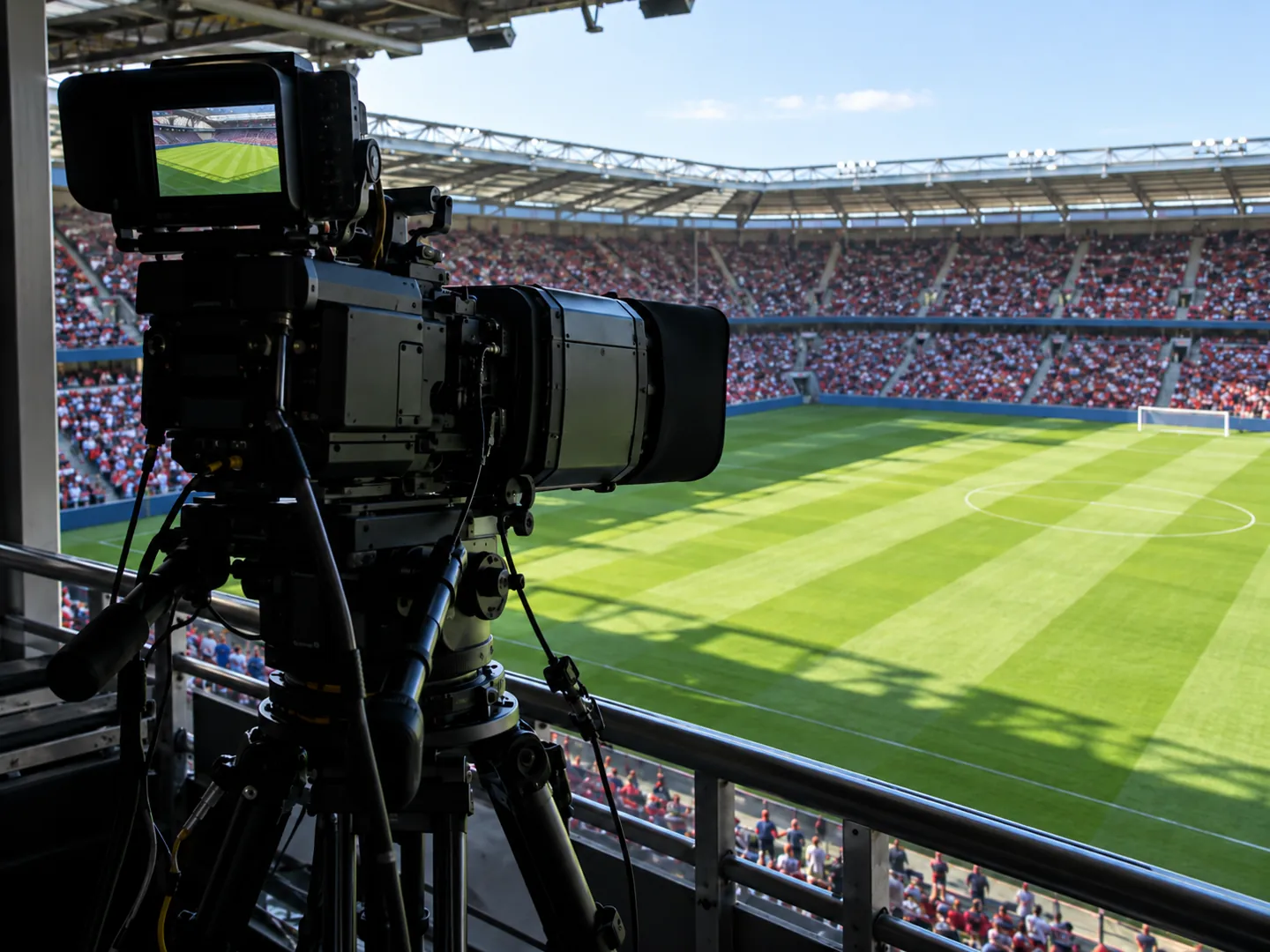
FOUR THINGS TO KNOW
These come from the standards bodies and broadcast engineers, not from any product claims.
Absolute brightness is measured in cd/m², usually called nits. PQ signals are written in these units.
Dynamic range is often quoted in stops, factors of two between darkest and brightest.
BBC R&D says 1,000 cd/m² is a typical professional monitor, not a cap: HLG is relative and suits brighter screens too.
HLG is compatible with SDR UHD displays, but older BT.709 HD sets need a colour conversion or colours look washed out.
TWO NUMBERS WORTH KNOWING
One figure on why HDR needs more bits,
one on how much bigger its colour volume is.
≈ 700
Grey levels needed for 10,000:1 without banding
A 10,000:1 range needs about 700 just-noticeably-different levels per colour. A 10-bit signal gives 1,024 code values; 8 bits are inadequate for HDR.
BIT DEPTH · BBC R&D
≈ 340 million
Distinct colours and brightnesses, HDR minimum
With at least 700 levels each of red, green and blue, HDR has around 340 million distinct colours and brightnesses, against about 16 million for an 8-bit SDR signal.
COLOUR VOLUME · BBC R&D
Both PQ and HLG are defined in Recommendation ITU-R BT.2100, the international standard for HDR programme production and exchange, now in its 2025 revision (BT.2100-3). HLG is royalty-free.
A QUICK RANGE CHECK
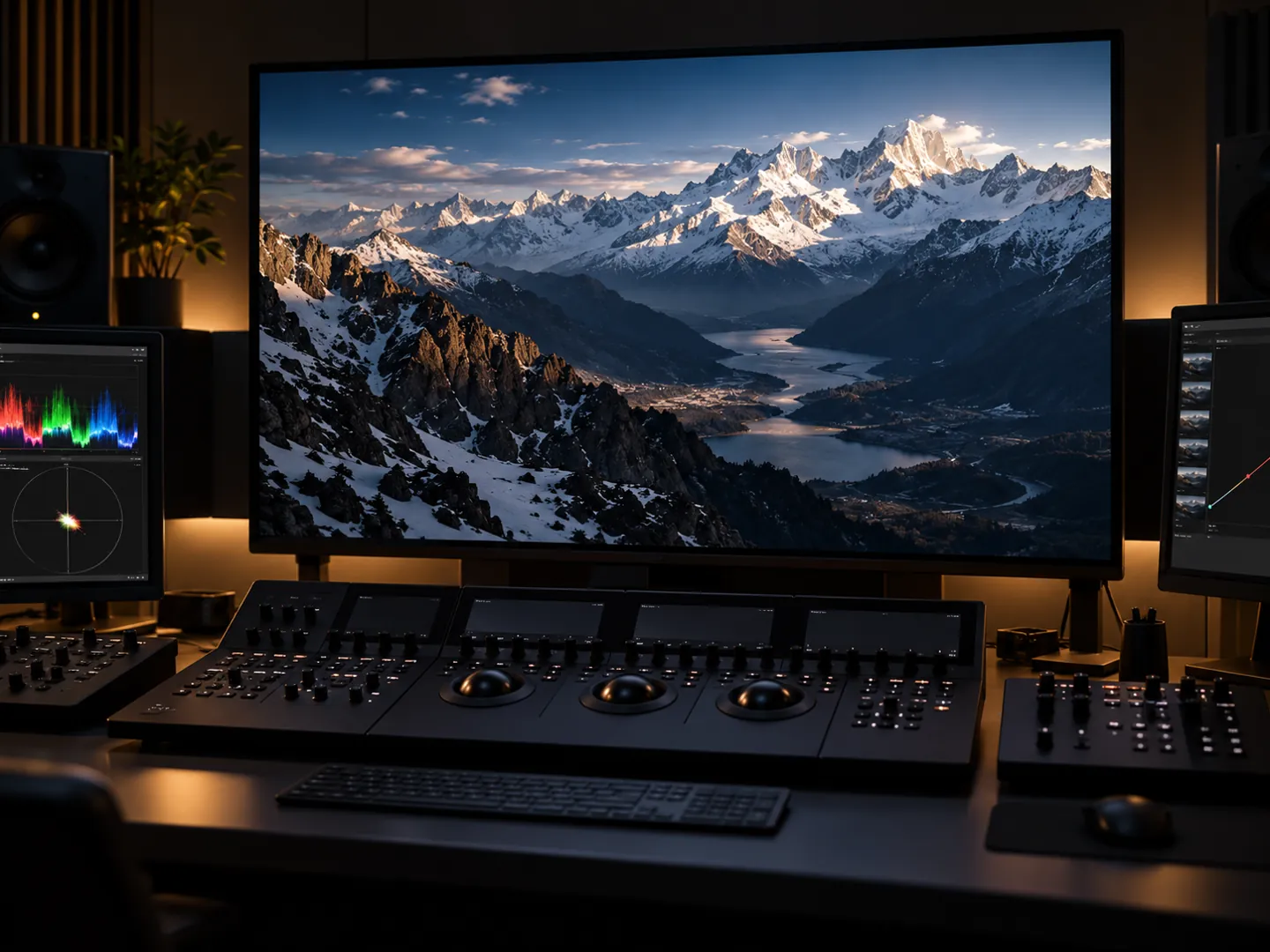
Pick a picture system to see its dynamic range in stops. Each stop is a doubling of brightness. The bar shows the size of the range.
Figures from BBC R&D's Frequently Asked Questions on HDR and HLG.
PQ AND HLG
PQ is an absolute, display-referred signal: it records the light on the grading monitor, so it only uses part of its range when the target brightness is below 10,000 cd/m², and is graded on a particular mastering display.
HLG is relative and scene-referred, like conventional TV. It records light as the camera saw it, and each display adapts it to its own brightness. BBC R&D designed it so metadata, which often gets lost in live production, is not required.
Questions
No. 4K describes the number of pixels. HDR describes the dynamic range, the gap between the darkest and brightest parts of the picture that can be shown without artefacts.
A nit is a candela per square metre (cd/m²), the unit of absolute brightness. PQ, the only absolute video signal in widespread use, is expressed in it.
BBC R&D explains that a 10,000:1 range needs about 700 distinct levels per colour to avoid banding. 10 bits give 1,024 levels; 8 bits give too few.
PQ is absolute and display-referred, encoding brightness for a mastering display. HLG is relative and scene-referred, with no need for metadata, and is compatible with SDR UHD screens.
Recommendation ITU-R BT.2100, from the International Telecommunication Union, a UN agency, defines both PQ and HLG for HDR programme production and exchange.
Updated
ABOUT THIS NAME
hdproreview.com is part of the DoodleSale portfolio. It isn't in an auction right now, but you can ask about leasing it.

